












Hotel Reservation Software for South African Hotels
One view of Bookings.
Less admin for Teams.
More time for Guests.
RoomRaccoon brings hotel reservations, availability, guest details and payments into one cloud platform. Manage direct and connected OTA bookings from a shared calendar, with tools for independent hotels across South Africa.
- See room availability and reservation statuses in one calendar
- Connect website bookings with your online sales channels
- Get personalised setup and training for your team
Book a demo to see how your team can manage a reservation from the first enquiry to check-out.
Request a demo
WHY ROOMRACCOON?
Keep every reservation organised
Bring direct and connected OTA reservations together so your team can see who is arriving and which rooms are available.
Manage seasonal rates, packages and group allocations alongside your reservation calendar.
Send scheduled confirmations and pre-arrival emails with the details guests need for their stay.
Organise group reservations and negotiated rates for travel agents, corporate guests and wedding parties.
Synchronise availability across connected channels to reduce manual updates and the risk of double bookings.
Track deposits, outstanding balances and invoices alongside each guest reservation.
CORE PLATFORM
From booking enquiry to confirmed stay
PROPERTY MANAGEMENT SYSTEM
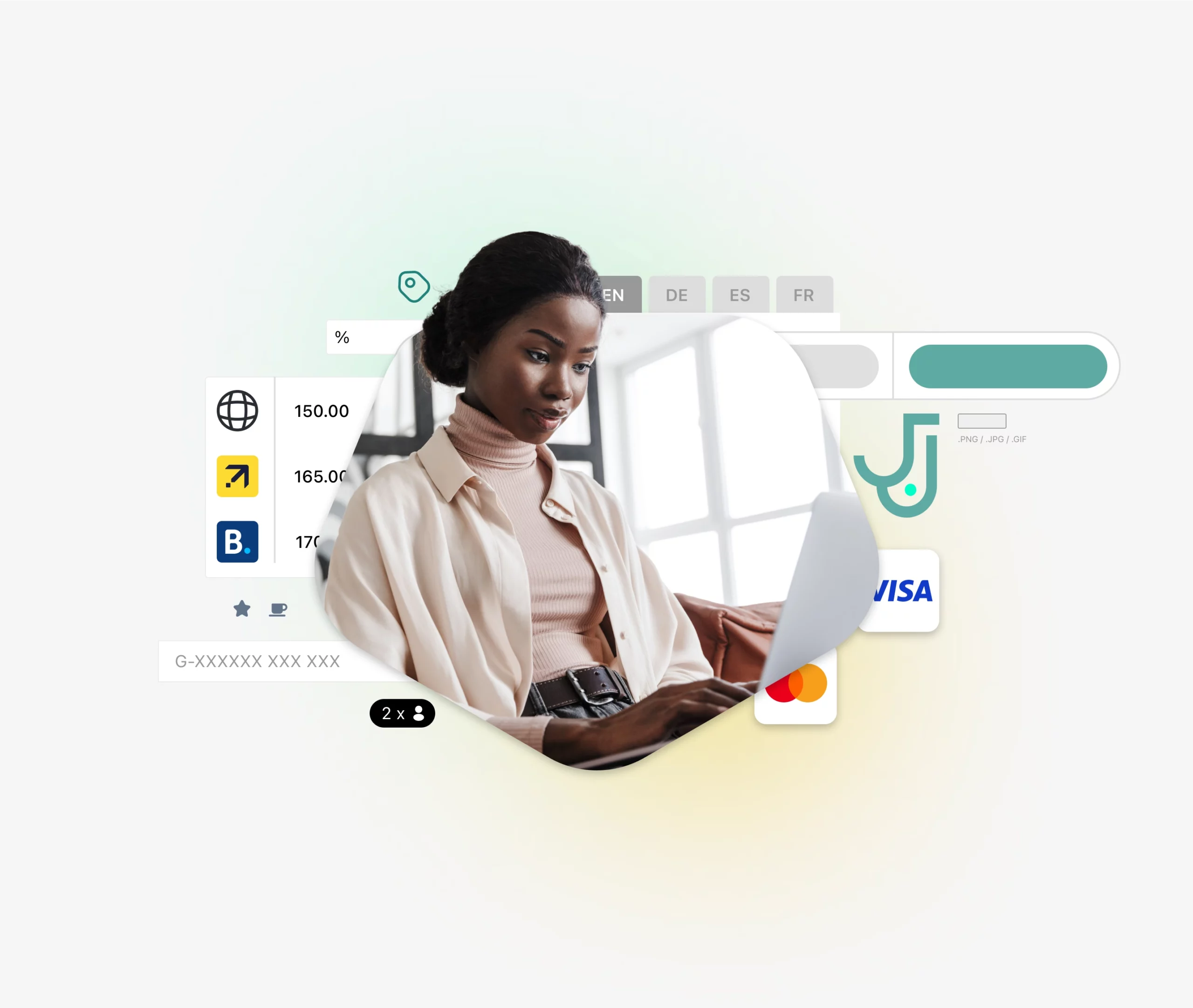
Manage reservations in one shared calendar
Give your team a clear view of room assignments, stay dates and booking statuses, with guest details close at hand.
- Review and update reservations in a colour-coded calendar. Adjust stay dates or move a booking when a guest changes their plans.
- Keep guest details and special requests together. Prepare for arrivals with online check-in and offer relevant extras through automated guest upselling.
- Organise group stays and negotiated rates. Use Room Allotment to allocate rooms for wedding parties, tour groups or corporate bookings.
- Follow each reservation through to payment. Review charges, invoices and balances without searching across separate spreadsheets.

BOOKING ENGINE
Turn website enquiries into direct reservations
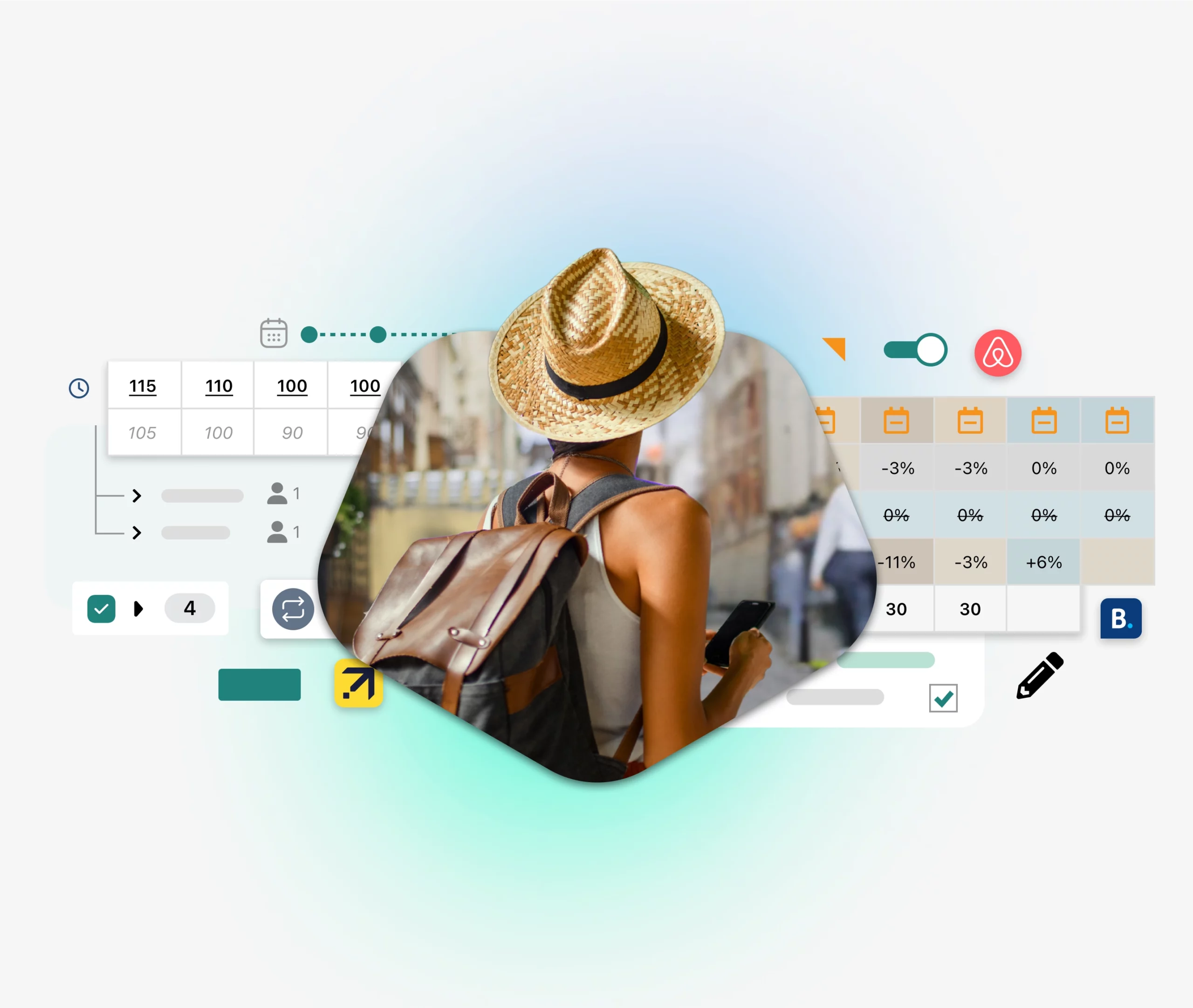
Let guests check availability, select a room and book through your hotel website, with reservations flowing into the same system.
- Make booking straightforward on mobile. Guests choose their dates, room type and available rate plan through a responsive booking engine.
- Offer useful extras at the time of booking, such as breakfast, airport transfers or a stay package that suits your property.
- Support returning guests and travel partners with discount codes and access to negotiated rates.
- Show your direct rate clearly. Use the price comparison widget to help guests compare available offers.
- Connect your direct booking strategy with search. Explore the Google Hotels integration to learn about the available options.
CHANNEL MANAGER
Keep room availability aligned across channels
Connect your reservation calendar with your sales channels so your team spends less time updating separate extranets.
- Choose channels that fit your guests. Explore global platforms such as Booking.com and regional connections such as SafariNow integration.
- Manage rates centrally and use dynamic pricing rules based on factors such as room availability and booking lead time.
- Reduce the risk of overbooking by synchronising inventory across connected channels. Accurate room mapping and connection settings remain essential.
- Offer suitable rate plans and packages, from flexible stays to non-refundable offers, with clear conditions for each booking.
PAYMENTS
Keep deposits and balances linked to the booking
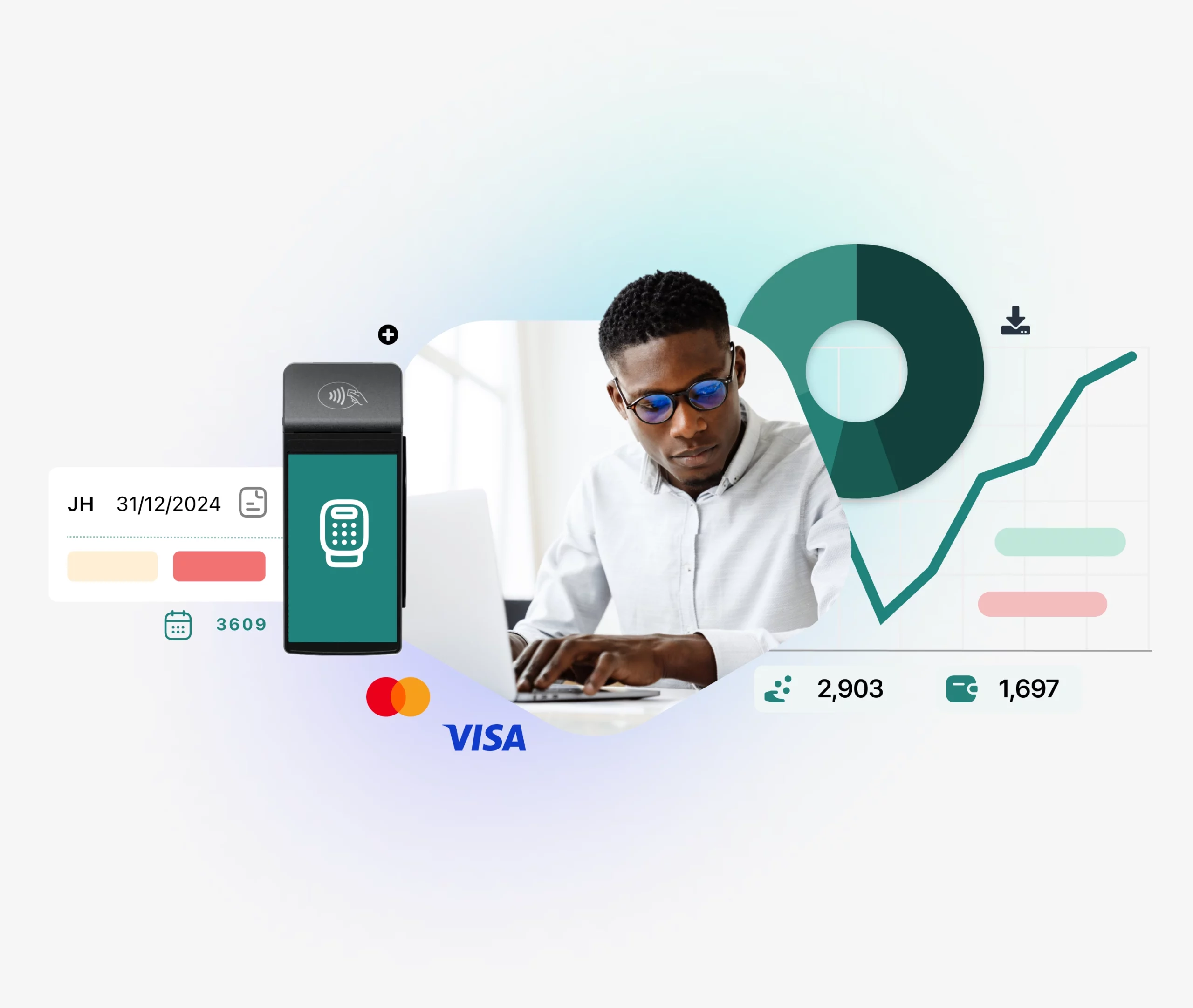
Track what has been paid and what is still due from the reservation record. RoomRaccoon offers integrated online payments through Peach Payments in South Africa.
Explore Peach Payments for hotels and choose a payment setup that fits your property.
- Collect deposits or outstanding balances online using payment requests linked to the guest reservation.
- Set payment requirements for your rate plans so guests understand what is due when they book.
- Review payments alongside reservation details to help your team follow up on outstanding amounts.
- Keep cancellations and refunds clear. Check the booking policy, payment status and supported refund process before returning funds.
Reservation reporting
Review occupancy, booking sources and revenue to understand how reservations contribute to performance. Explore hotel reporting tools for a closer view.
Housekeeping list
Share a daily housekeeping list with room details, guest requests and special notes. For more task management features, explore RaccoonHousekeeping.
Meal preparation lists
Help your kitchen prepare for booked meals with a daily food and beverage list, filtered for breakfast, lunch or dinner.
Rates and packages
Create room packages and related rate plans for different guest needs, from business stays to weekend breaks and group visits.
Dynamic pricing
Set pricing rules around availability and booking lead time. Explore hotel revenue management tools to develop your rate strategy.
BUILT-IN UPGRADES
Choose upgrades around your reservation workflow
Add tools for guest services, housekeeping and revenue management as your needs develop. Included upgrades depend on your subscription.
Compare your options: See RoomRaccoon plans and pricing or discuss your requirements in a demo.

RaccoonUpsell
Offer relevant extras and room upgrades through a digital guest service menu before guests arrive.

RaccoonHousekeeping
Organise cleaning and maintenance tasks so your team can prepare rooms for upcoming arrivals.

RaccoonSite
Create a website for your property.
Help guests explore your rooms and reach your direct booking engine.

Digital ID scanning
Capture guest details with a digital ID and passport scanner to reduce manual entry during registration.

RaccoonCardMachine
Planning front-desk card payments? Check terminal availability and compatibility for your South African property.

RaccoonRev
Use competitor rate insights and dynamic pricing rules to support your hotel pricing decisions.

RaccoonRev Plus
Explore AI-assisted rate recommendations using booking trends and demand signals to inform your pricing.

RaccoonWhiteLabel
Give your booking engine and guest-facing documents a more consistent brand presentation with white-label options.
Zwahili Private Game Lodge
“I truly appreciate the accessibility RoomRaccoon offers across various locations. The real-time reservation feature means that I am constantly informed about bookings, enabling me to manage the property and my team efficiently even when I am away.”
Betsy Gast, Managing Director
24/7
View reservations online when you are away from the property, with an internet connection.
Switch reservation systems with a clear setup plan
Property setup
Team training
Go-live planning
Data import
Connect the tools your property already uses