


















Hotel housekeeping systems: a practical guide for South African hotels
Share this post
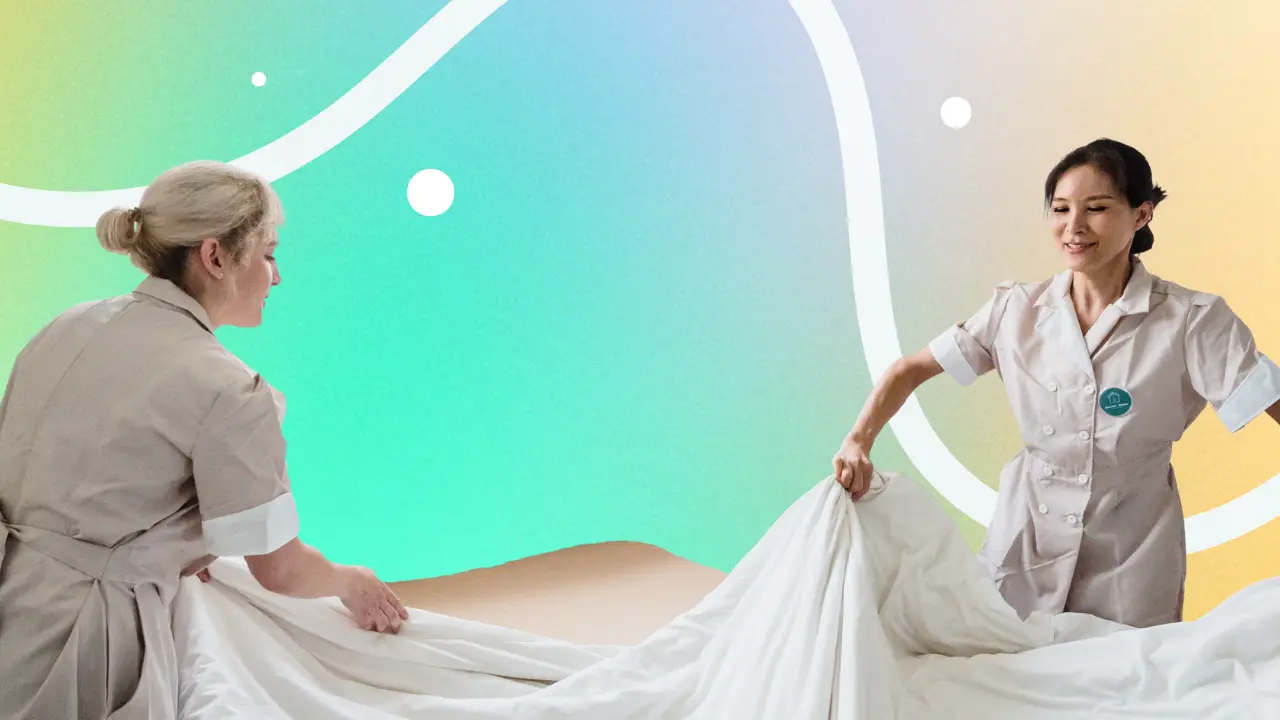
What is a hotel housekeeping system?A hotel housekeeping system helps your team plan cleaning, assign rooms, update room statuses and follow up on maintenance. When connected to your property management system (PMS), it brings reservation information and housekeeping updates together. A hotel housekeeping app gives staff mobile access to their tasks, so reception can see progress without repeatedly calling the team.
A guest arrives early, another requests a late check-out, and a room needs a repair before anyone can move in. Keeping those changes visible is where housekeeping software becomes useful. For South African hotels, guesthouses and lodges, the aim is straightforward: prepare the right rooms at the right time, with clear responsibilities and consistent cleaning standards.
How does a hotel housekeeping system work?
The system connects the day’s room requirements with the people responsible for preparing them. In a connected workflow, reception and housekeeping work from shared information:
- Review the day’s work. Check departures, stayovers, arrivals, room moves and requests that affect room preparation.
- Assign and prioritise tasks. Allocate rooms by workload, location and required completion time. Include common areas and scheduled deep cleans.
- Update progress. Staff record completed work or explain why a task cannot proceed, such as a do-not-disturb request.
- Inspect and resolve issues. Follow your property’s inspection process and escalate defects that prevent a room being used.
- Confirm readiness to reception. Release the room once the required cleaning, checks and repairs are complete.
The hotel PMS manages reservations and the wider stay. The housekeeping system manages cleaning and related tasks. Their connection helps the team respond when booking details change.
A vacant room is not necessarily readyOccupancy, cleaning condition and maintenance availability describe different things. A guest may have checked out while the room still needs cleaning. Equally, a clean room may need an inspection or a repair before reception can allocate it.
| Status | What it tells the team | Next action |
|---|---|---|
| Dirty / awaiting cleaning | Cleaning is still required. | Assign the task and confirm when staff may enter. |
| Cleaning in progress | A team member is working on the room. | Check progress before promising access to a guest. |
| Clean / awaiting inspection | Cleaning is complete, with a check still outstanding. | Complete the inspection and follow up on any defects. |
| Ready | The room meets the property’s release requirements. | Reception confirms the allocation and arrival arrangements. |
Illustrative workflow: labels and inspection steps vary by system. On a small screen, scroll the table horizontally.
Which housekeeping software features matter most?
Compare features against real tasks at your property. A useful demonstration should show what happens when the day’s plan changes.
Room assignments and cleaning schedules
Look for a clear view of departures, stayovers and upcoming arrivals, with tasks assigned to named team members. Plan workloads around the work involved: a family unit with a kitchenette may take longer than a standard double room. Allow for linen collection, walking between buildings and inspection time.
Recurring tasks help organise work such as deep cleaning and common-area checks. If a supplier offers automatic scheduling, ask which rules control it and how a supervisor makes changes.
Mobile access and communication with reception
A mobile housekeeping app should make it easy to find an assigned room, read instructions and update progress. Ask the supplier to demonstrate a changed departure time and a reassigned task on the devices your team will use.
Check whether the tool runs in a web browser or needs an installed app. Also establish which updates reach reception, how quickly they appear and what happens when a phone loses its connection.
Inspections, maintenance and lost property
Cleaning and quality checks need clear ownership. Look for a way to flag work for inspection and record any follow-up. A leaking tap should have a named person responsible for the repair, while a found watch needs a traceable record.
Ask whether reporting a defect also blocks the room from use, or whether reception must do that separately. A maintenance ticket alone should not be treated as confirmation that the room has been removed from availability.
Room preparation notes and useful reporting
Staff need practical instructions, such as preparing a cot, checking a sofa bed or replenishing an agreed selection of hotel amenities. Keep notes specific and share only information needed for the task.
For reporting, start with rooms ready by the agreed check-in time, repeat cleaning requests and unresolved maintenance issues. Compare similar room types and cleaning tasks when reviewing timings. Faster completion alone does not demonstrate better cleaning.
How to choose a housekeeping system for a South African property
Start with your property layout, service standards and team. The requirements of a city hotel can differ from those of a lodge with separate chalets or an owner-managed guesthouse.
- Check the PMS connection. If you keep your existing PMS, ask exactly which reservation details and room statuses a separate housekeeping tool exchanges with it.
- Test coverage where staff work. Include guest rooms, service areas and outlying units. Agree on a backup process for an internet or power interruption.
- Let housekeepers try it. Test readability, terminology and everyday tasks with the people who will use the system. Confirm available interface languages and training options.
- Clarify access for each role. Include supervisors, maintenance staff and any external cleaning team. Check what each user can see and change.
- Ask about support. Confirm support hours in South African time, available channels and help during implementation.
A practical demo scenarioImagine a 14-room guesthouse with six departures, a late check-out and a family arriving early. Ask the supplier to show how you change priorities, assign a cot-preparation task and report a faulty shower. Then check what reception sees before allocating the next room. This is an illustrative test, not a customer result.
How much does hotel housekeeping software cost?
Costs depend on the supplier, property size, users and functionality. Housekeeping may be part of a PMS subscription, an optional upgrade or a separate product with an integration fee.
Request an itemised quote in rand, with VAT treatment clearly stated. Include the subscription, housekeeping module, setup, training, integrations and any devices or mobile data your team needs. Check billing frequency, contract terms and the cost of adding rooms or users.
For RoomRaccoon, review the current subscriptions and pricing and ask how RaccoonHousekeeping fits your chosen package. Avoid comparing a basic room-status list with a more extensive housekeeping module as though they offer identical functionality.
How does housekeeping work in RoomRaccoon?
RoomRaccoon’s PMS includes a housekeeping list that can be filtered by day and room status, customised and shared with the team. RaccoonHousekeeping is the upgrade for more detailed housekeeping and maintenance management.
The upgrade supports cleaning schedules, recurring tasks, bulk assignments, cleaning timers and a ready-to-inspect workflow. Its mobile view lets staff access assigned rooms, preparation notes and relevant add-ons through a web browser. No separate app installation is required.
Staff can also report maintenance issues, lost property and minibar usage, with descriptions and optional photos. Recording minibar usage does not automatically add a charge to the reservation: RoomRaccoon’s help documentation specifies that reception adds these charges manually.
Ask for a demonstration using your room categories and team roles, and confirm the included features in your proposal. You can also explore RoomRaccoon’s hotel customer stories for examples of how properties use the wider platform.
How to introduce a housekeeping system to your team
Agree on the working process before switching to digital task lists. Start with a small group of rooms and practise a normal departure, a refused clean, an inspection and a maintenance issue.
- Define your standards. Set cleaning requirements for each room type and agree who confirms readiness.
- Configure rooms and responsibilities. Check room names, cleaning categories, task owners and permissions.
- Train the team together. Include reception, housekeepers and maintenance so everyone understands the handover.
- Review after the pilot. Resolve missed updates, unclear labels and unrealistic timings before expanding the rollout.
Use the housekeeping task sheets in RoomRaccoon’s resource hub as a starting point for documenting your routine. Once live, track late room releases, repeated work and time spent chasing updates to assess whether the process is improving.
Frequently asked questions about hotel housekeeping systems
What is the difference between a housekeeping system and a PMS?
A PMS manages reservations, guest records and wider hotel operations. A housekeeping management system focuses on cleaning, room preparation and related tasks. It may be built into the PMS, offered as an upgrade or connected as a separate application.
Is a hotel housekeeping app useful for a small guesthouse?
It can be, particularly when several people coordinate room preparation or staff work across separate buildings. For a very small team, a shared housekeeping list may be sufficient. Compare the extra capabilities with your actual workload and explore RoomRaccoon’s guesthouse software to see how housekeeping fits the wider operation.
Can housekeeping software work without internet?
Live cloud updates require a connection. Some products have offline features, but these vary and should be demonstrated before purchase. Keep an agreed backup task list and record changes during an outage, then reconcile them when service returns. Do not assume a mobile-friendly tool works offline.
Can I use a spreadsheet or WhatsApp for housekeeping?
They can support a simple operation, but room updates, instructions and completed tasks may become scattered. A dedicated system becomes more useful when you need shared room statuses, clear task ownership and a record of outstanding work. Assess where your current process causes delays before changing tools.
Does a housekeeping system include linen stock control?
Not necessarily. Cleaning schedules and room-status tracking are different from laundry and stock management. If you need linen counts, purchasing alerts or supplier tracking, ask whether these are native features, integrations or separate processes.
How do we handle do-not-disturb requests and late check-outs?
Record why cleaning cannot proceed and agree who follows up. Update the cleaning plan and tell reception if the next arrival could be affected. In RaccoonHousekeeping’s mobile view, staff can skip cleaning with a reason, including do not disturb, declined cleaning or late check-out.
See how your housekeeping day could work
Bring your room list, cleaning routine and busiest arrival scenario to a RoomRaccoon demo. See how tasks reach your team, how room updates support reception and which housekeeping setup suits your property.
Follow us


Nicky. M
Nicky is RoomRaccoon's Senior Content Manager, combining a love for travel with a practical approach to improving hotel performance through tech and insightful tips. Join her journey where travel, hospitality, and technology meet.

Subscribe to our newsletter for more on the latest hospitality & RoomRaccoon updates delivered straight to your inbox!


