















Your hotel has better things to do.
Release 26.6 is about making the necessary jobs quicker, so there's more time for the ones only you can do. Email every guest in one go, connect and map your own OTAs, see exactly who's filling your rooms, and find what you need faster on the screens you use every day.

Email every guest in one go, without opening a single reservation
Email campaign sends one message to the guests and bookers you choose, straight from RoomRaccoon.
- Choose who to reach by date range, from next week's arrivals to everyone staying over the holidays
- Start from a template or write your own, then preview before you send
- Guest replies go straight to your hotel's email address
The same message, sent once, instead of pasted into forty reservations.
Examples: Festive welcome. Pool maintenance notice. Thank-you after a busy weekend.
Your next OTA connection is in your hands
Connect supported OTAs straight from Marketplace, match your rooms and rates, and go live when you're ready. Nothing syncs until you say so.
- Check every room and rate while sync stays paused
- Add a room or change a rate later and update the mapping yourself
- RemoteLock: map your doors yourself too. With Room Key Connectivity, you can also switch on auto check-in, so guests are checked in when they first unlock their room
Need to change something later? That's yours to do too, with no mapping ticket required.
Look under the hood of every connection
Connection Check shows the live health of every connection RoomRaccoon runs for you, from OTAs and Google Hotel Ads to door locks, payments and POS.
- See every failed update and why it failed, with a direct link to the fix when it's yours to solve
- Know straight away when a channel has an outage, so you're not hunting for a problem on your side
- Compare a channel's availability with RoomRaccoon using the parity check, and re-sync it when they don't match
- The overbooking tracker flags any room category with more bookings than rooms
Problems show up while there's still time to fix them.
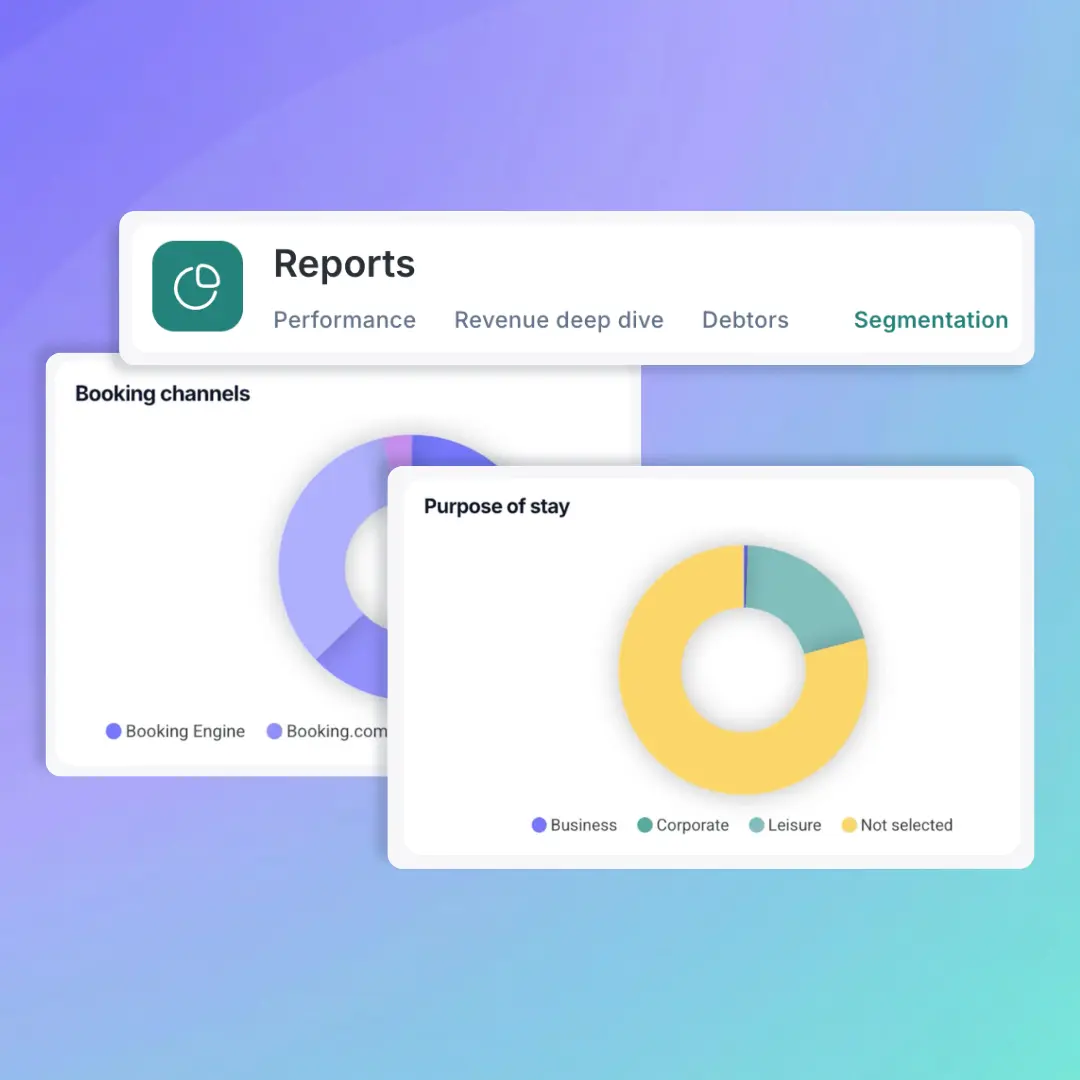
Meet the guests behind your revenue
Segmentation shows which channels, markets and types of guest your income actually comes from.
- See your booking mix, trends and top bookers by channel, source type, rate segment and country
- Spot when you're leaning too hard on one OTA before it hurts your ADR
- Set your defaults once, and new reservations are categorised automatically
- A setup wizard gets you started, and the Excel export has the full story when you need it
On Entry or Essentials? Explore the demo in Reports, then upgrade when you're ready.
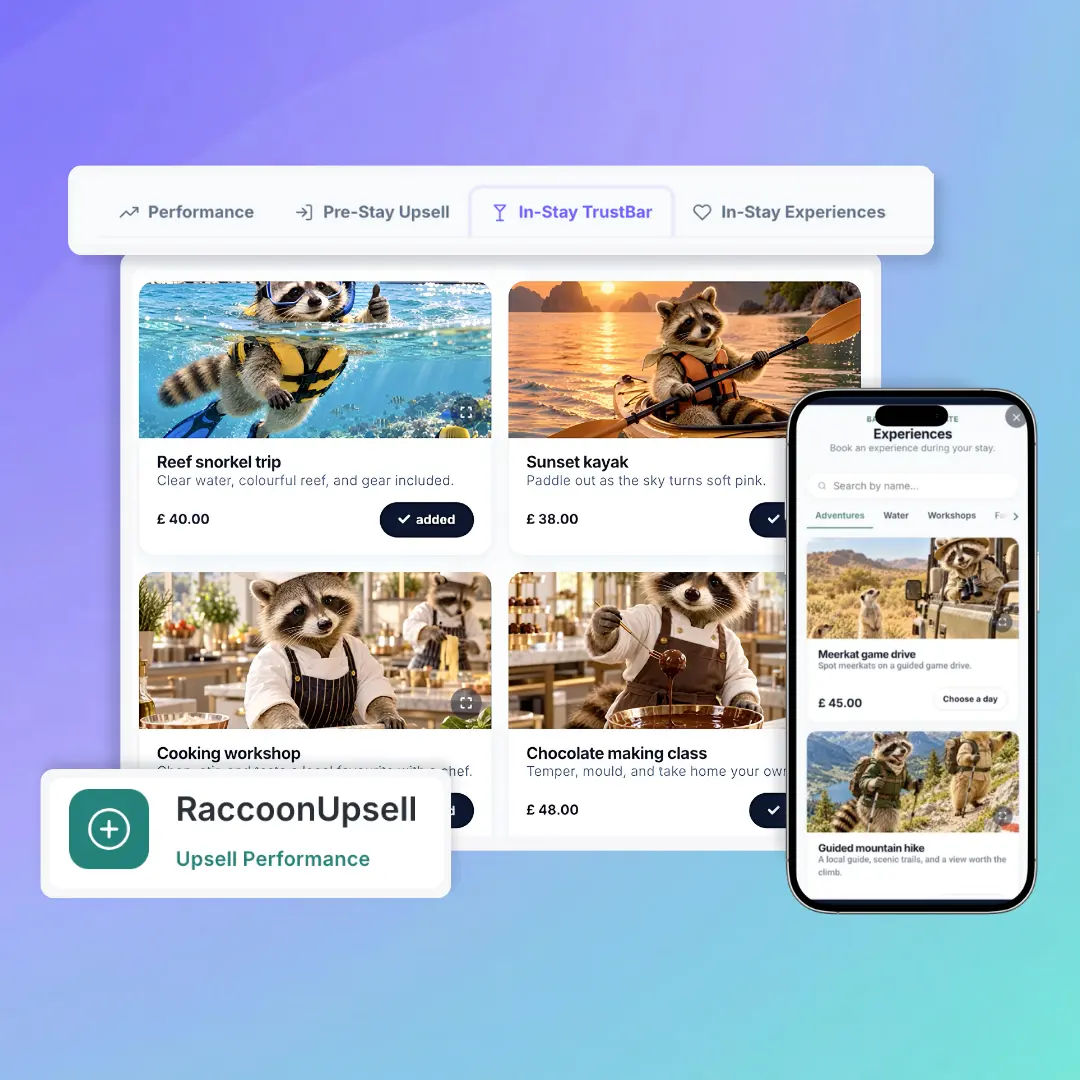
Your guests are still shopping after check-in
The new trust bar and in-stay experiences keep your extras in front of guests for their whole stay, not just before it.
- Choose which add-ons, packages and experiences guests see once they've arrived
- Manage online check-in upsells, the trust bar and experiences from one redesigned dashboard
- See exactly what each one earns on the new Performance tab
No separate guest app needed to keep selling. Not on RaccoonUpsell yet? Try it free for 30 days.

Your biggest bookings just became the easiest to handle
The new reservation page keeps every room in a group or linked booking together, with clear sections for payments, invoices, add-ons and guest details. Try it from the banner on any booking, and switch back to classic whenever you like.

Guest emails, now tailored to the rate
Your package, corporate and non-refundable guests can each get their own version of your confirmations, pre-stay and other guest emails. The redesigned page also shows where a language is missing, and Auto-translate fills the gap.
Missed filings are expensive. Spotting them early isn't.
Your country's tax, police and statistics tools now have their own Compliance menu, and the Overview shows at a glance which filings still need setting up and which failed to send. Where something's wrong, it tells you how to fix it, so you can sort it out yourself.
Reports that get to the point
See occupancy, revenue, booking channels and trends for the stay dates you pick, and compare against the previous period or last year. On Premium and Pro, Analyse this period uses AI to highlight what's working, what needs attention and where to focus next.
The screen you check every day just got a lot easier to read
Rates & Availability has a cleaner layout, a legend that explains every colour on the calendar, and a room-type filter that shows several categories at once. Bulk edits now come with Week, Month and Year shortcuts, so a seasonal price or minimum-stay change takes a few clicks to set up.
Keep an eye on your OTA discounts
Channel insights in Rates & Availability show the discounts applied to your OTA bookings over the last 30 days, and how those prices compare with your Booking Engine. Look for the discount chip at the top of the screen.
Your calendar just got a makeover, and you're the stylist
Pick your own colours and patterns for each booking status, and switch to a half-day view that shows arrivals and departures where they actually fall. The scissor tool got a fresh look too.
The Housekeeping List got a deep clean
It's clearer to scan, quicker to filter by room status or guest movement, and the link you send housekeepers is now easier to use on a phone. They mark rooms clean or flag maintenance as they go, without logging in, and their updates land on your list and the calendar as they happen. You can also change a room's status straight from the calendar.
A breakfast list that keeps up with the breakfast rush
Open the F&B List on a tablet or phone, search a room number, and tick guests off as they're served, with meal times and dietary needs right there. Group bookings stay together, and your function sheet is now the Daily agenda tab. Nobody has to squint down a printed list looking for room 358 again.
The Reservations List now explains itself
Group bookings are clearly marked, the payment and room filters sit at the top, and every section says what it's for. Finding the unpaid balance before check-out just got a lot quicker.


